



 Github Stars:
 Last Commit:
  Created:

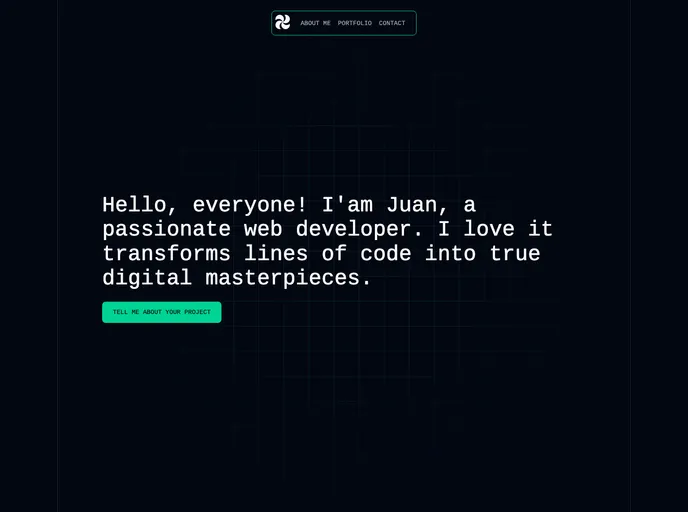
Overview
Astrodev is a template designed specifically for developers using Astro. It provides a user-friendly interface and a set of useful features to enhance the development process. With Astrodev, developers can easily manage their dependencies, run a local development server, build their production site, preview builds before deployment, and utilize the Astro CLI.
Features
- Dependency Management: Install all necessary dependencies with a single command using
npm install. - Local Development Server: Start a local development server at
localhost:4321usingnpm run dev. - Production Build: Build your production site to the
./dist/folder with the commandnpm run build. - Preview Build: Preview your build locally before deploying using
npm run preview. - Astro CLI Commands: Run CLI commands such as astro add and astro check with
npm run astro .... - Astro CLI Help: Get help with using the Astro CLI by running
npm run astro -- --help.
Installation
To install the Astrodev template, follow these steps:
- Clone the repository to your local machine.
git clone [repository_url]
- Navigate to the root of the project in the terminal.
cd [project_directory]
- Install all dependencies using npm.
npm install
- Start the local development server.
npm run dev
Summary
Astrodev is a developer-friendly template for Astro that offers several key features to streamline the development process. From easy dependency management to previewing builds before deployment, Astrodev provides developers with the tools they need for efficient and effective development. Its integration with the Astro CLI further enhances its capabilities, allowing users to perform various CLI commands effortlessly. With Astrodev, developers can focus on building great products without worrying about the underlying complexities.












































