



 Github Stars:
 Last Commit:
  Created:


Overview:
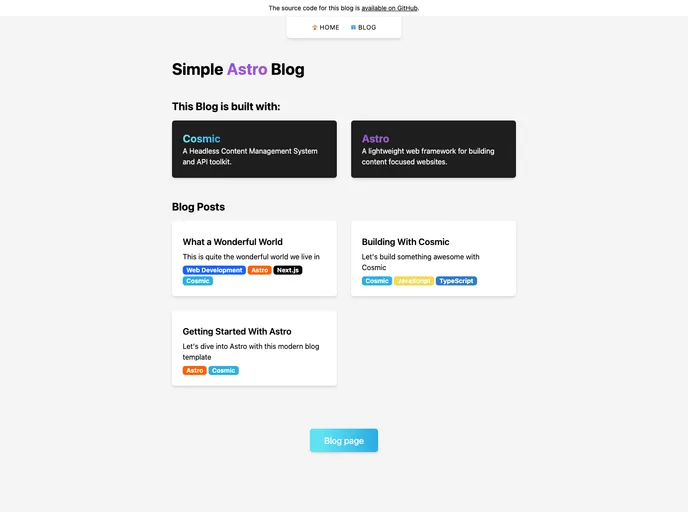
This article provides an overview of a Simple Astro Blog built with Astro and Cosmic. The blog is built using several technologies such as Astro - a React framework for production, Cosmic - a Headless CMS, and Tailwind CSS - a performant CSS framework. The article provides instructions for installation and usage of the blog template.
Features:
- Astro - A React framework for production that simplifies the process of creating full-stack applications.
- Cosmic - A Headless CMS that allows for the management of template content independently.
- Tailwind CSS - A utility-first CSS framework that can be directly composed in markup, making styling easier and more efficient.
Installation:
To install the Simple Astro Blog template, follow these steps:
- Create an
.envfile in the project’s root directory. - Log in to Cosmic and navigate to Bucket Settings > API Access. Take note of the provided values.
# Install the dependencies
npm install

# Run the development server
npm run dev

# Open http://localhost:3000 in your browser to see the result.
To start editing the blog template, modify the src/pages/index.astro file. The page will auto-update as changes are made.
Summary:
The Simple Astro Blog is built using Astro, Cosmic, and Tailwind CSS. It provides an easy way to create and manage a full-stack blog application. The installation process is simple and straightforward, allowing developers to quickly get started with building their own blog using the provided template.











































