



 Github Stars:
 Last Commit:
  Created:




Overview:
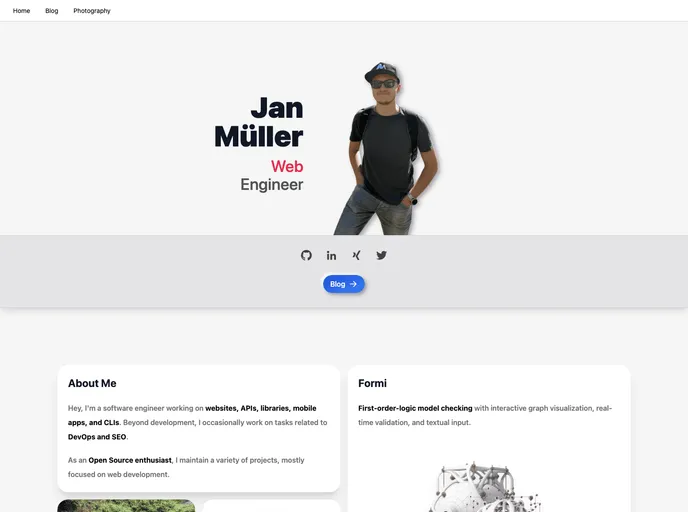
In this product analysis, we will be looking at a software product that offers a range of features to developers. The product includes Astro, Vue, and Preact frameworks, as well as integration with Tailwind for easy styling. It also includes E2E testing capabilities with Cypress and an automated CI/CD pipeline using GitHub Actions. The product is hosted on GitHub Pages at jan-mueller.at and provides a streamlined build setup for developers.
Features:
- Astro, Vue, and Preact: This product supports three popular JavaScript frameworks, allowing developers to choose the one that best suits their needs for building web applications.
- Tailwind integration: The product includes integration with Tailwind, a utility-first CSS framework. This makes it easy for developers to create responsive and sleek designs for their applications.
- E2E testing with Cypress: With built-in support for Cypress, developers can easily write end-to-end tests for their applications. This ensures that the application functions correctly from the user’s perspective.
- Automated CI/CD pipeline using GitHub Actions: The product includes a CI/CD pipeline that automates the build, testing, and deployment process. This allows developers to quickly iterate on their code and deploy changes with confidence.
- Hosted by GitHub Pages at jan-mueller.at: The product is hosted on GitHub Pages, a free hosting service provided by GitHub. This allows developers to easily showcase their projects and make them accessible to a wide audience.
- Build Setup: The product provides a streamlined build setup, allowing developers to quickly get started and build their applications with ease. This helps save time and reduces the complexity of setting up the development environment.
Installation:
To install the product, follow these steps:
- Clone the repository:
git clone [repository-url]
- Install the required dependencies:
npm install
- Build the application:
npm run build
- Start the development server:
npm run dev
- Open the application in your browser at
http://localhost:3000.
Summary:
This product offers a range of features to developers, including support for multiple frameworks, integration with Tailwind for easy styling, E2E testing capabilities with Cypress, and an automated CI/CD pipeline using GitHub Actions. It is hosted on GitHub Pages and provides a streamlined build setup for developers. With these features, developers can efficiently build and deploy web applications with ease.








































