



 Github Stars:
 Last Commit:
  Created: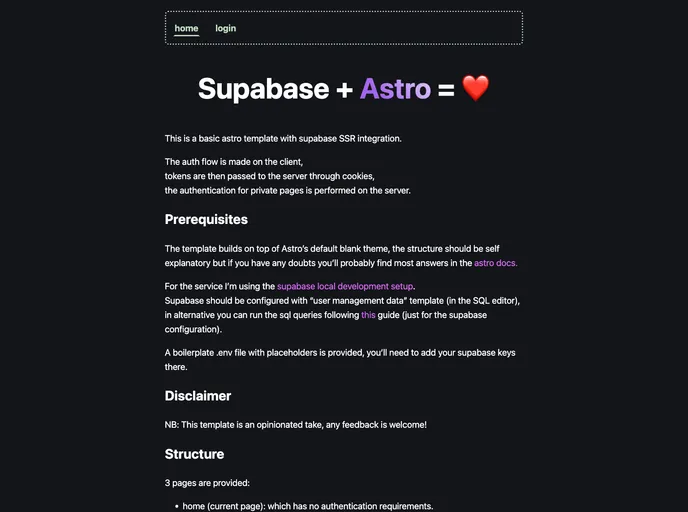
Overview
This Astro template offers a seamless integration with Supabase, making it an excellent starting point for developers looking to implement server-side rendering with authentication features. With a structure that builds on Astro’s default blank theme, the template is designed to be user-friendly, providing a straightforward approach to managing user authentication through a combination of cookies and server-side checks. Whether you’re a seasoned developer or just starting out, this template simplifies the process of setting up a personal project with essential auth flow capabilities.
Additionally, the fast setup and clear instructions make it easy to configure Supabase for local development. With three predefined pages—home, profile, and login—this template not only addresses the need for authentication but also provides the functionality to easily customize and extend your application. It’s a solid choice for anyone looking to dive into modern web development.
Features
- Client-Side Authentication Flow: Leverages client-side management for tokens, ensuring a smooth user experience while retaining security.
- Cookie-Based Token Passing: Utilizes cookies for passing tokens to the server, facilitating robust security measures for handling user sessions.
- SSR Support with Astro: Takes advantage of Astro’s server-side rendering capabilities, improving performance and SEO for your web applications.
- Predefined Page Structure: Comes with three essential pages (home, profile, login) set up for immediate use, streamlining the development process.
- No Authentication on Home Page: The home page is accessible without authentication, allowing users to browse content freely.
- Redirection Logic on Login Page: Automatically redirects authenticated users to the home page upon accessing the login page, enhancing user experience.
- Boilerplate .env File: Includes a boilerplate environment file with placeholders for easy Supabase key configuration, simplifying setup.
- User Management Data Template: Ensures that Supabase is configured correctly for user management, facilitating easy setup for developers.












































