



 Github Stars:
 Last Commit:
  Created: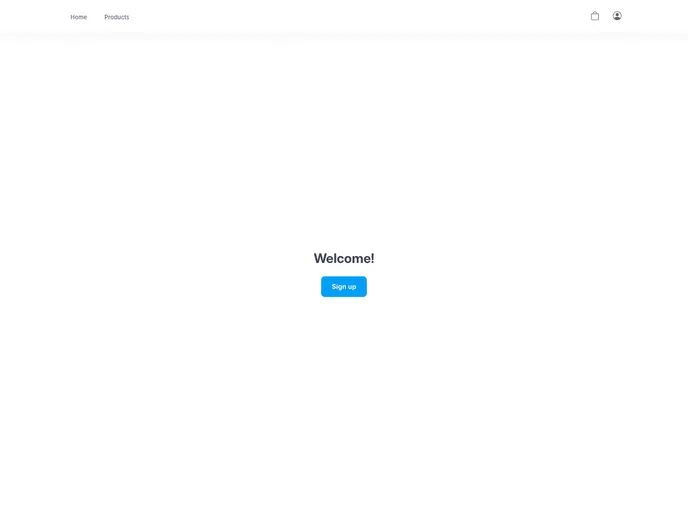
Overview
This product is a website that offers various features for users to interact with. It allows users to view the site’s layout based on their device’s screen size, experience hover states on interactive elements, sign in/sign out/sign up, manage products, add items to the cart, view the cart and remove items from it, and view cached images offline. The app is deployed on Heroku’s free tier, which means the server may go to sleep and cause some loading issues initially.
Features
- Optimal Layout: Users can view the site’s layout based on their device’s screen size.
- Hover States: Interactive elements on the page have hover states for a better user experience.
- Authentication: Users can sign in, sign out, and sign up for an account.
- Product Management: Users can add, edit, and delete products.
- Cart Functionality: Users can add items to the cart and remove them as needed.
- Offline Image Viewing: Cached images can be viewed offline.
Installation
To install and run this theme, follow these steps:
- Create a
.envfile in the/frontendfolder if it doesn’t already exist. - Replace the values in the
.envfile with your own values, ensuring that there are no trailing slashes (/) at the end. - Run the server using the provided command.
- Run the client using the provided command.
- Make sure that the URLs in the .env file match the appropriate ones. If not, replace them accordingly.
Summary
This product is a website with various features that allow users to interact with it. It offers a responsive layout, hover states for interactive elements, authentication functionalities, product management capabilities, a cart system, and offline image viewing. The app is deployed on Heroku’s free tier, which may cause some loading issues initially. To install the theme, create and configure the .env file, then run the server and client using the provided commands.












































