



 Github Stars:
 Last Commit:
  Created:





Overview
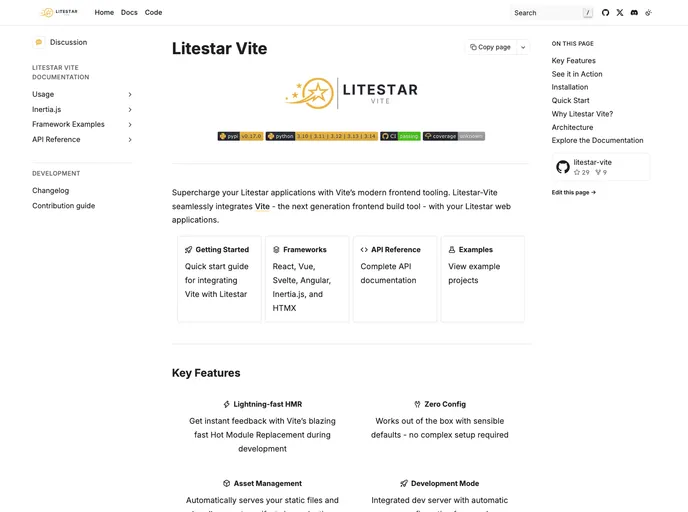
Litestar Vite is an exciting tool designed to seamlessly connect the Litestar backend with the Vite toolchain, making it a perfect choice for developers looking to enhance their web applications. This versatile framework supports single-page applications (SPA), templating, and Inertia flows, providing robust options for modern web development. With its ability to proxy Vite development traffic through an ASGI port or run directly, Litestar Vite streamlines the development process, making it efficient and user-friendly.
As web applications become increasingly complex, tools like Litestar Vite play a crucial role in simplifying development workflows. By offering support for multiple frameworks and seamless integration with Vite, it opens up numerous possibilities for developers to create fast, scalable applications with ease.
Features
- One-port development: By default, it proxies Vite HTTP and WebSocket/Hot Module Replacement (HMR), simplifying the development process; this feature can also be configured to run in a two-port mode.
- SSR framework support: Use
mode="ssr"for frameworks like Astro, Nuxt, and SvelteKit, allowing for everything except API routes to be proxied effortlessly. - Production asset management: Reads the Vite manifest from
public/manifest.jsonand serves assets under a customizable asset URL. - Type-safe frontends: Optional integration with OpenAPI/routes export and the @hey-api/openapi-ts plugin via Vite ensures type safety across your frontend applications.
- Inertia support: Implements the v2 protocol with session middleware and provides optional SPA mode, enhancing the development experience for multi-page applications.
- Quick scaffolding: Quickly initialize your frontend using the command
litestar assets init --templatewith support for a variety of frameworks including Vue, React, Angular, and others. - Development diagnostics: Provides a doctor command that highlights configuration mismatches and offers suggestions to resolve potential issues in your setup.
- CLI cheat sheet: In addition, there are handy commands to build, serve, and deploy your applications efficiently, making the overall workflow straightforward and intuitive.








































