



 Github Stars:
 Last Commit:
  Created:

Overview
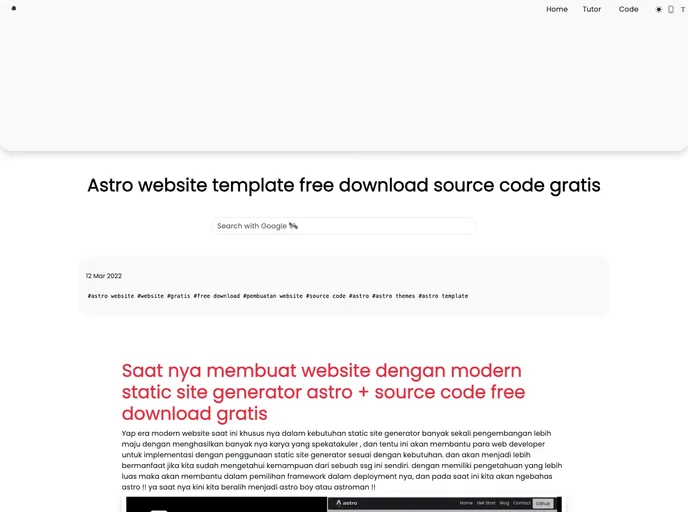
The Astro Web Blog Template is a modern source code that allows users to build fast and modern websites using the Astro framework. It offers a range of features and functionalities to make website development easier and more efficient.
Features
- SEO-friendly setup with canonical URLs and OpenGraph data
- Full Markdown support
- RSS 2.0 generation
- Sitemap.xml generation
Installation
To install the Astro Web Blog Template, follow these steps:
- Open the terminal and navigate to the root of your project.
- Run the command
npm installto install the dependencies. - Run the command
npm run devto start the local development server atlocalhost:3000. - Run the command
npm run buildto build your production site to the./dist/directory. - Run the command
npm run previewto preview your build locally before deploying.
Summary
The Astro Web Blog Template is a powerful source code for building modern and fast websites. With features such as SEO-friendly setup, full Markdown support, and RSS and sitemap generation, it provides developers with the tools they need to create high-quality websites. By following the installation guide, users can quickly set up and start using this template for their web development projects.












































