



 Github Stars:
 Last Commit:
  Created:


Overview
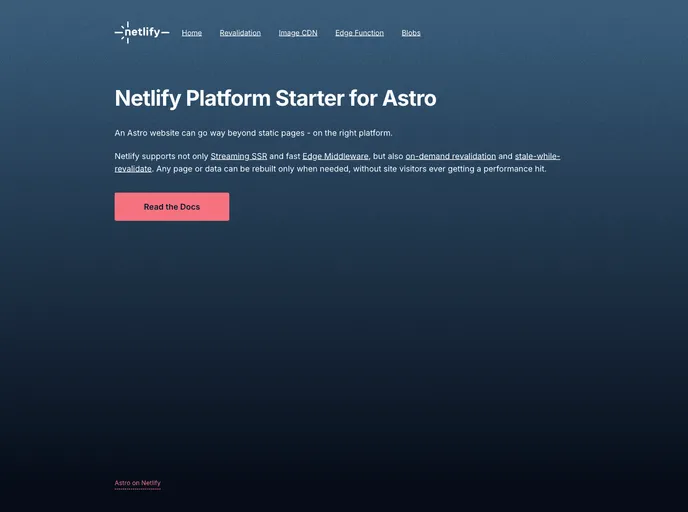
Astro on Netlify is an impressive starter template that showcases the power of combining Astro.js, Tailwind CSS, and Netlify’s core features. This modern setup is ideal for web developers who are looking to build fast, efficient, and visually appealing websites. With a focus on optimizing performance and ease of use, this platform empowers users to create robust applications effortlessly.
The seamless integration between Astro and Netlify ensures that developers can leverage advanced capabilities such as edge functions, image CDN, and blobs right out of the box. Whether you’re a seasoned developer or just getting started, Astro on Netlify provides a streamlined development experience tailored for modern web applications.
Features
Efficient Development Commands: Easily manage your project with commands like
npm installfor dependency installation andnpm run devto start a local server.Production Build Ready: With a simple
npm run build, you can compile your application into a production-ready format, automatically outputting to the./dist/directory.Local Preview Capability: Before deploying, use
npm run previewto review your build locally. This helps ensure everything looks perfect.Astro CLI Integration: Access a wealth of CLI commands with
npm run astro ..., allowing you to add features or check your application status quickly.Node.js Compatibility: Built to run on Node.js v18.20.8+, ensuring you’re working with a robust and up-to-date environment for your development needs.
Netlify Deployment Simplified: The platform encourages linking your local repository with a Netlify project, making your deployment process smooth and consistent.
Tailored for Scalability: Utilize Edge Functions and other Netlify primitives to scale your application efficiently as your user base grows.
Customization with Tailwind: Benefit from Tailwind CSS, granting complete control over your design elements with utility-first classes for rapid styling.












































