



 Github Stars:
 Last Commit:
  Created:


Overview:
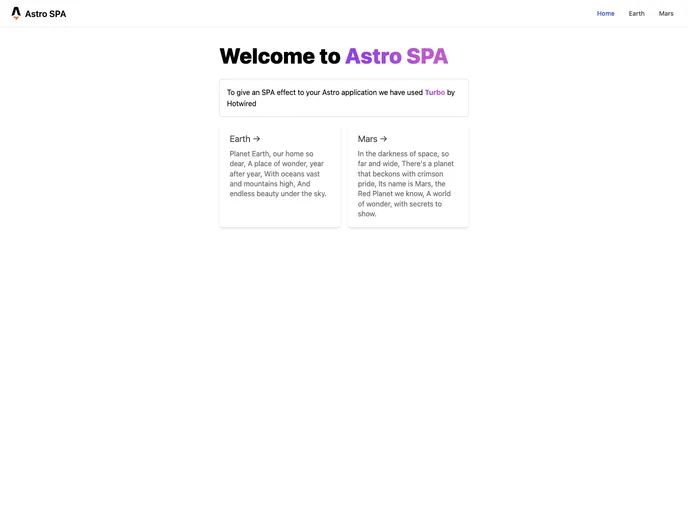
The Astro SPA Starter Kit is a project template that provides a basic structure for building single-page applications (SPA) using Astro. It simplifies the setup process by including predefined folders and files, allowing developers to focus on building their application.
Features:
- Project Structure: The starter kit comes with a predefined project structure, including folders such as src/pages/ for Astro or Markdown files, src/components/ for components, and public/ for static assets like images.
- Routing Based on File Name: Each file in the src/pages/ directory is exposed as a route in the application based on its file name. This makes it easy to create multiple pages or routes within the project.
- Easy Component Management: The src/components/ folder provides a convenient location to store Astro, React, Vue, Svelte, or Preact components. Developers can easily organize and reuse components across their application.
Installation:
To install the Astro SPA Starter Kit, follow these steps:
- Clone the project repository.
- Open a terminal and navigate to the root of the project.
- Run the command
npm installto install the dependencies. - After the installation is complete, you can start the local development server by running
npm run dev. The server will be hosted at http://localhost:3000. - For production build, use the command
npm run build. This will create a production-ready build in the ./dist/ directory. - To preview the build locally before deploying, run
npm run preview. This allows you to test your application in a production-like environment. - The Astro CLI can be utilized using commands like
npm run astro addornpm run astro check. For more information and command options, usenpm run astro --help.
Summary:
The Astro SPA Starter Kit provides developers with a predefined project structure and useful commands to quickly start building single-page applications using Astro. It simplifies the setup process and allows easy management of components and routing. With its clear documentation and community support, developers can get up to speed and start building their applications in no time.










































